1. Visit Yay.xquare.net
Go to https://yay.xquare.ofiz.cloud and log in using your account.
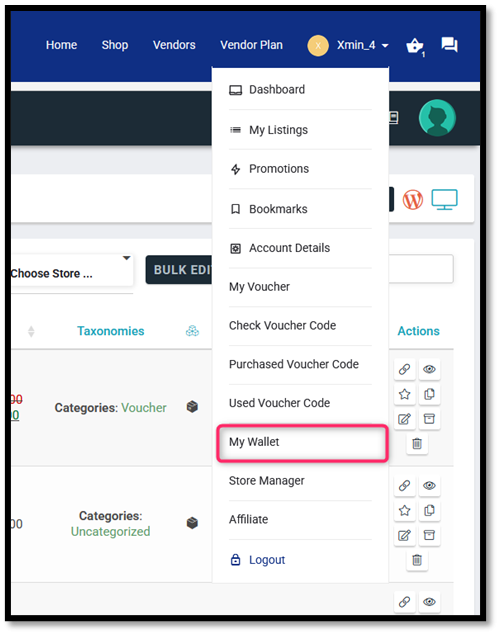
2. Access to the Wallet menu
Once logged in, open the “Account Profile” menu and select “My Wallet”
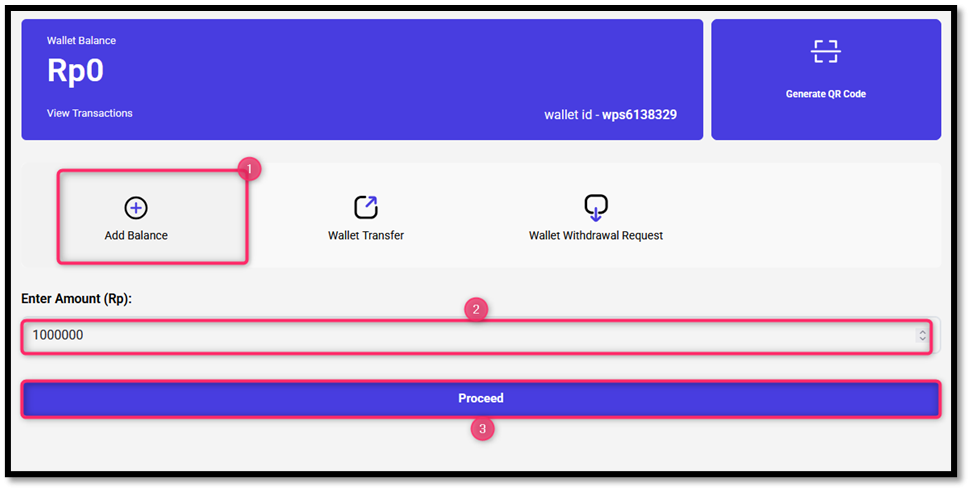
3. Click “Add Balance”, enter the top up amount, then click “Proceed”.
Press the “Add Balance” button, then fill in the amount you want to add in the “Enter Amount (Rp)” column, and continue by clicking the “Proceed” button.
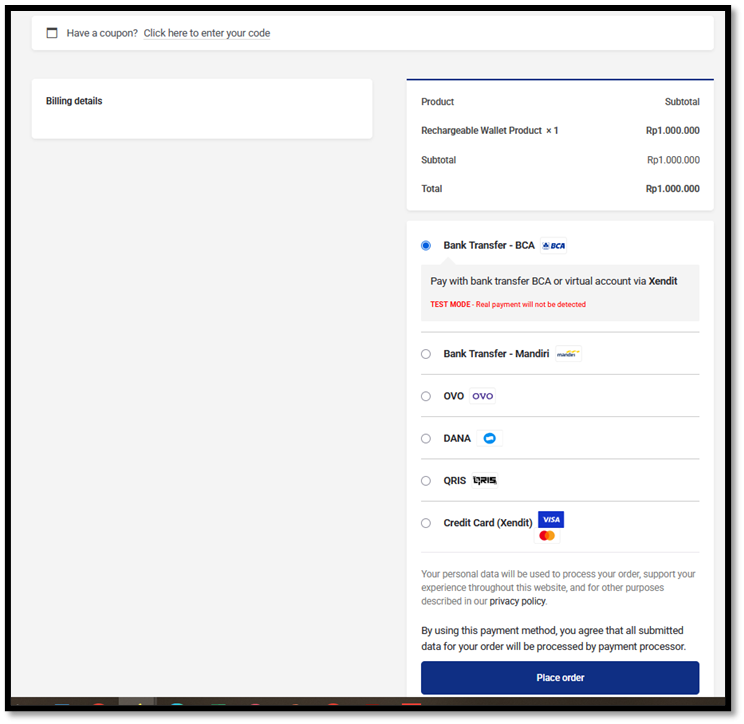
4. Select Payment Method
On the checkout page, select one of the available payment methods, then After selecting the payment method, click the “Place Order” button to continue the process.
5. Complete Payment
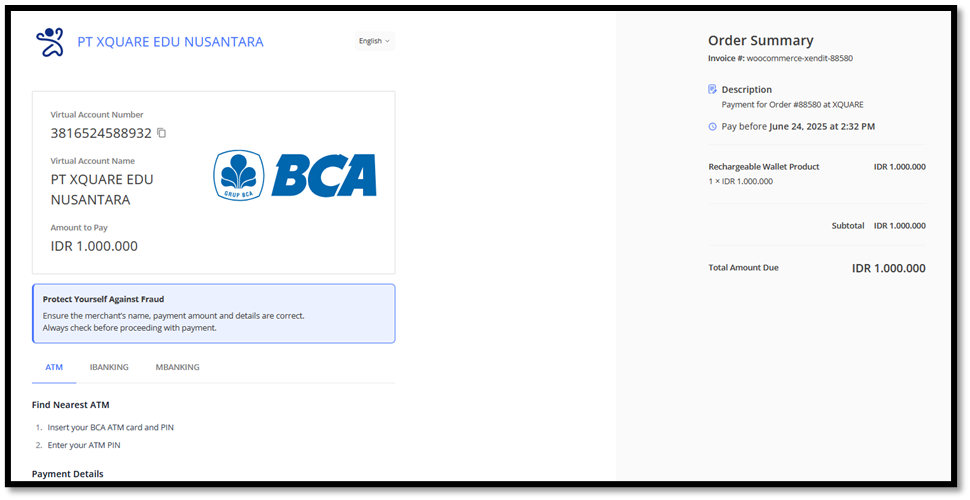
You will be redirected to the payment page of Xendit. Follow the instructions according to the chosen method (transfer to account/VA, QRIS scan, or payment via card).
6. Automatic Verification Process
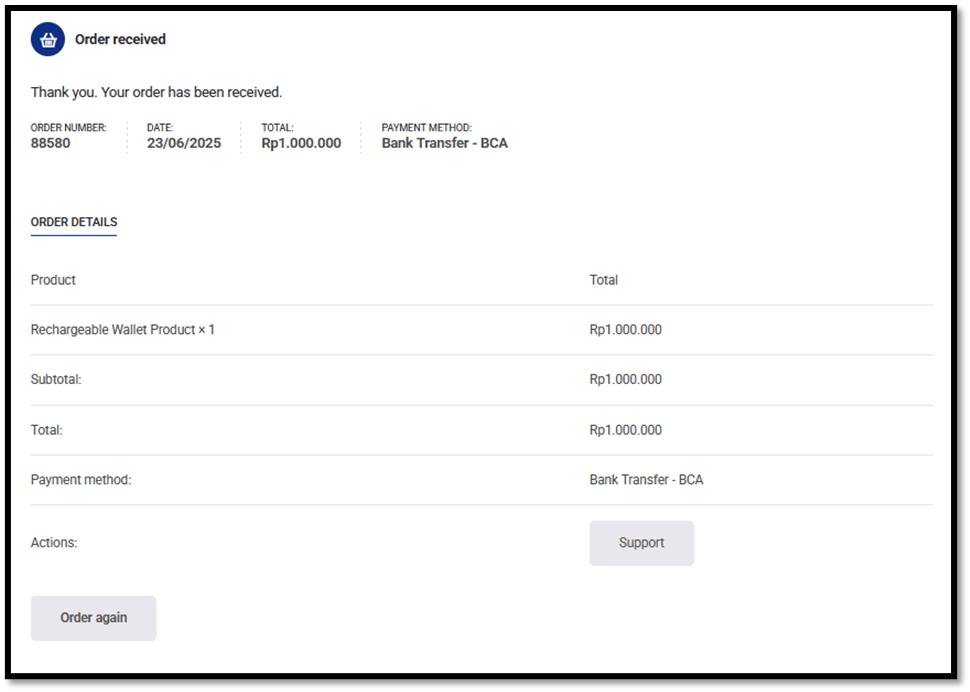
After a successful transfer, the system will detect the payment, you will receive an Order received and the balance will automatically enter your wallet.