



Once you have enrolled in a course, you need to access the course to complete the learning process. Follow these easy steps to access your course in Academy LMS.
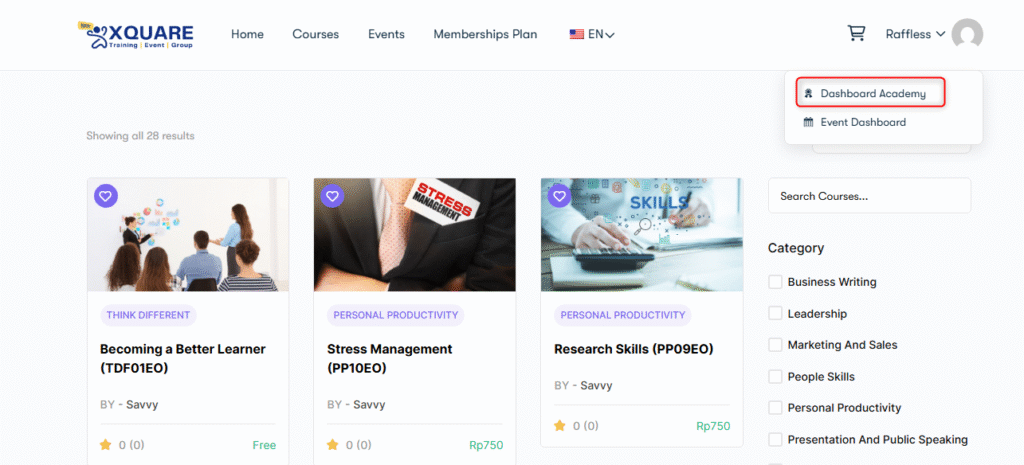
Step 1. To access your course, first, log in to your student account. After that navigate to “Dashboard Academy” on user profile menu.
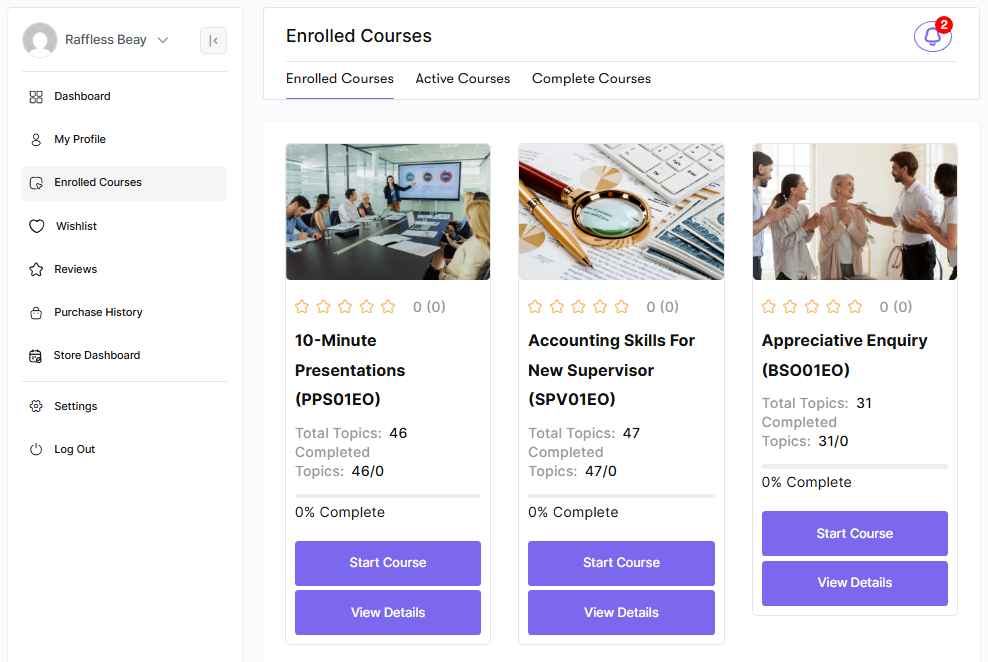
Step 2. Click on Enrolled Courses to view the courses that you’ve enrolled. The active courses tab shows the courses that you are actively learning at the moment. The complete courses show the courses that you’ve successfully finished.
This is all about accessing your course on the Edu Hartabadi platform.


