1. Log In to the Website
Visit https://yay.xquare.ofiz.cloud and log in using your account credentials.
2. Select the Appropriate Listing Category
Browse and choose the listing category relevant to your business or service.
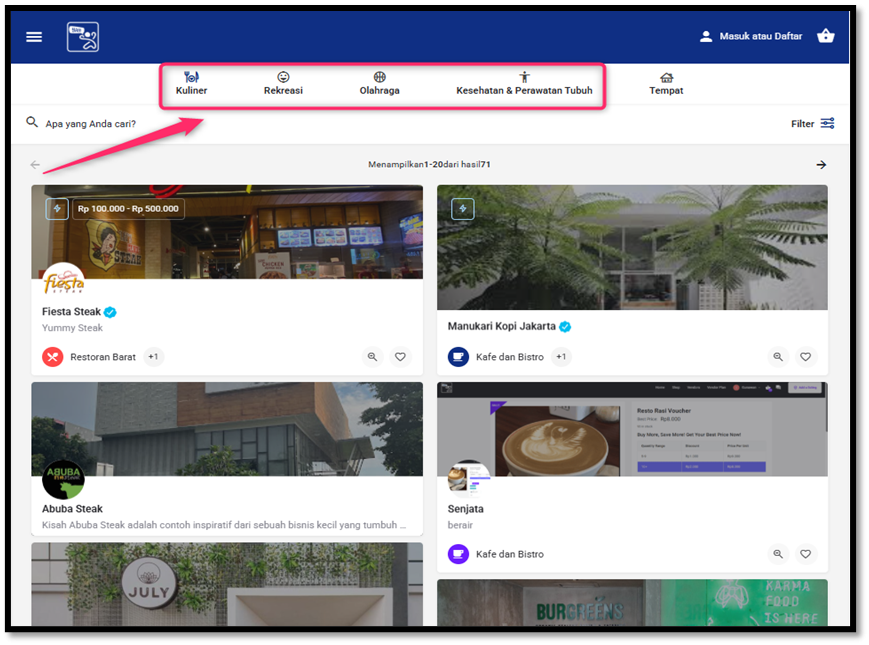
3. Choose the Listing to Add Products To
Find the listing where you want to add products, then click the “Edit” button (pencil icon) on the listing page.

4. Add Products
In the “Other” menu, select “Products”, then click “Select products” to choose the products you want to add to the listing.
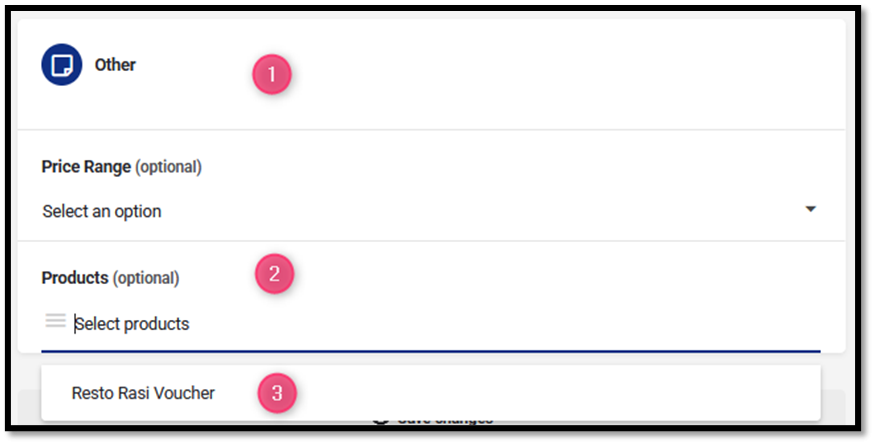
5. Save Changes
Click “Save changes” to apply and save your updates.

6. View the Changes
Click the “View” button to see the products you have added to the listing.

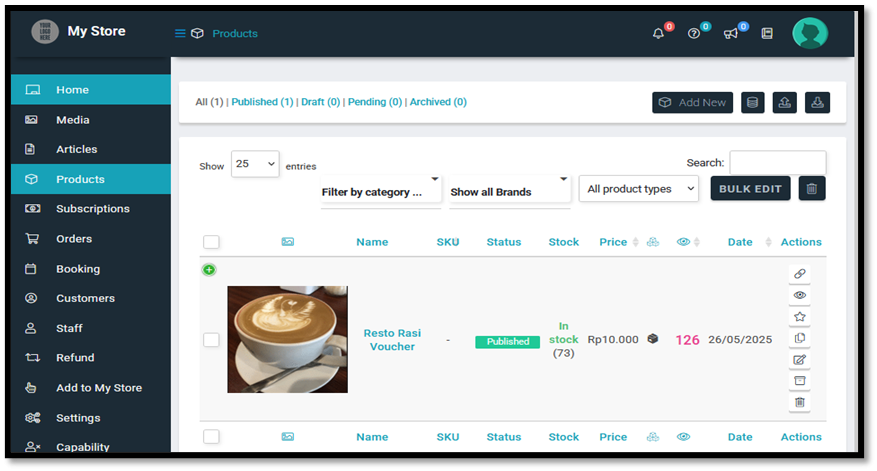
7. Access the “My Store” Page
You will be redirected to the “My Store” page. Then select “Products” to view the list of products you have added.