1. Visit yay.xquare.net
Go to https://yay.xquare.ofiz.cloud and log in using your account.
2. Access to the Wallet menu
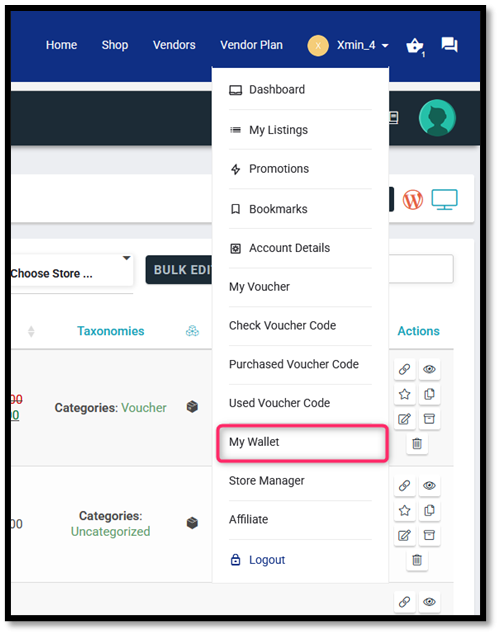
Once logged in, open the “Account Profile” menu and select “My Wallet”
3.View Your Wallet Transactions
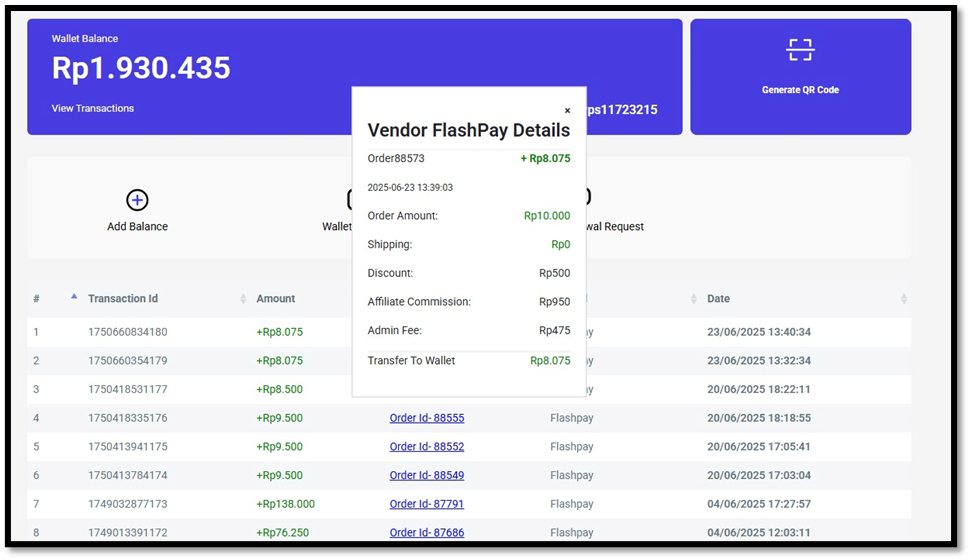
On this page, you can see a detailed overview of your wallet balance and transaction history clearly and transparently.