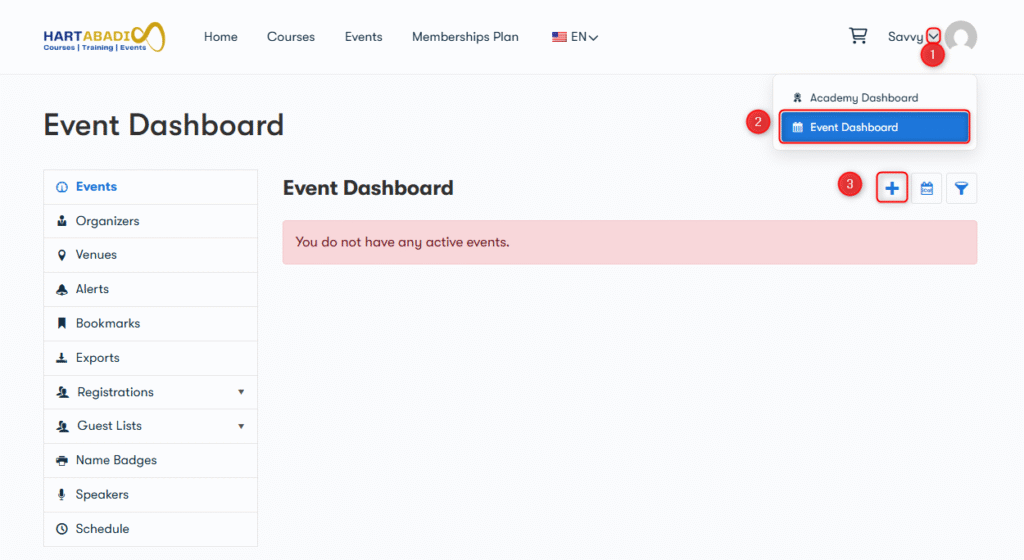
- Log in as an organizer/vendor.
- Navigate to the Event Dashboard page.
- Click the add event button.
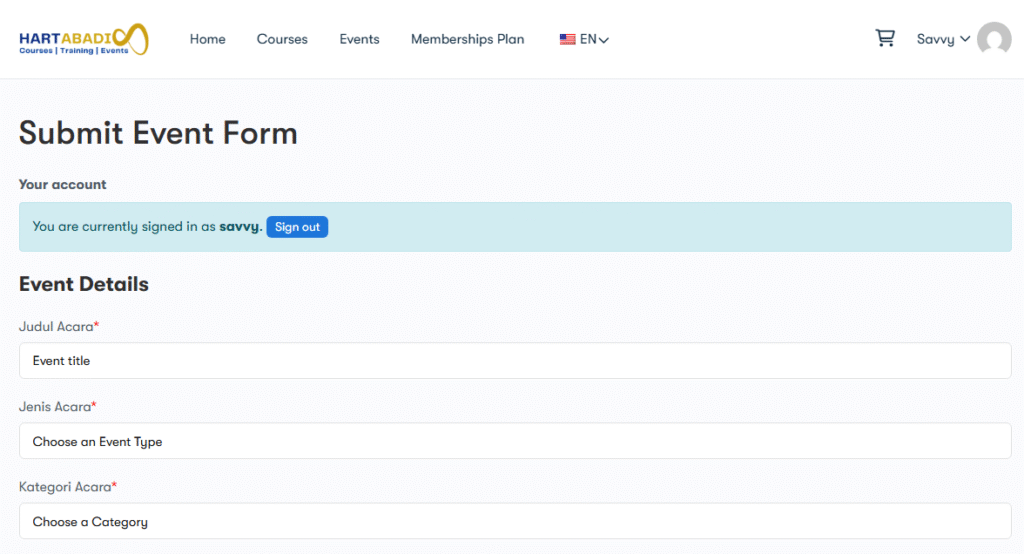
Fill in the event details, including:
- Event title: Name of the event.
- Event Description: A detailed descriptiont of an event.
- Event type and Category: Choose the event category.
- Event Location: Enter the event location.
- Event Date & Time: Set the event start and end dates/times.
- Organizer Details: Provide organizer information.
- Featured Image: Upload the main event image.
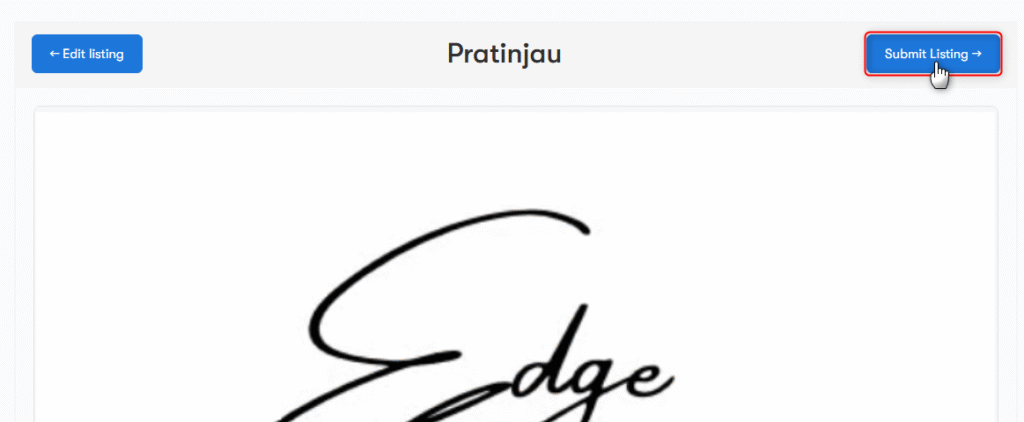
After that all, clik “pratinjau” to preview your event before submit the event for approval or publishing.
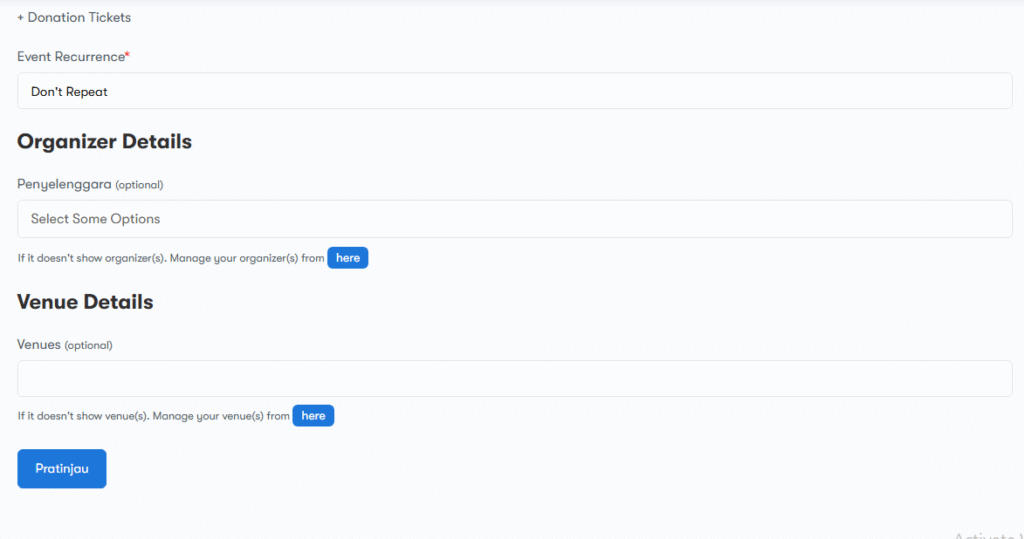
Click “submit” to submit your event to publish.
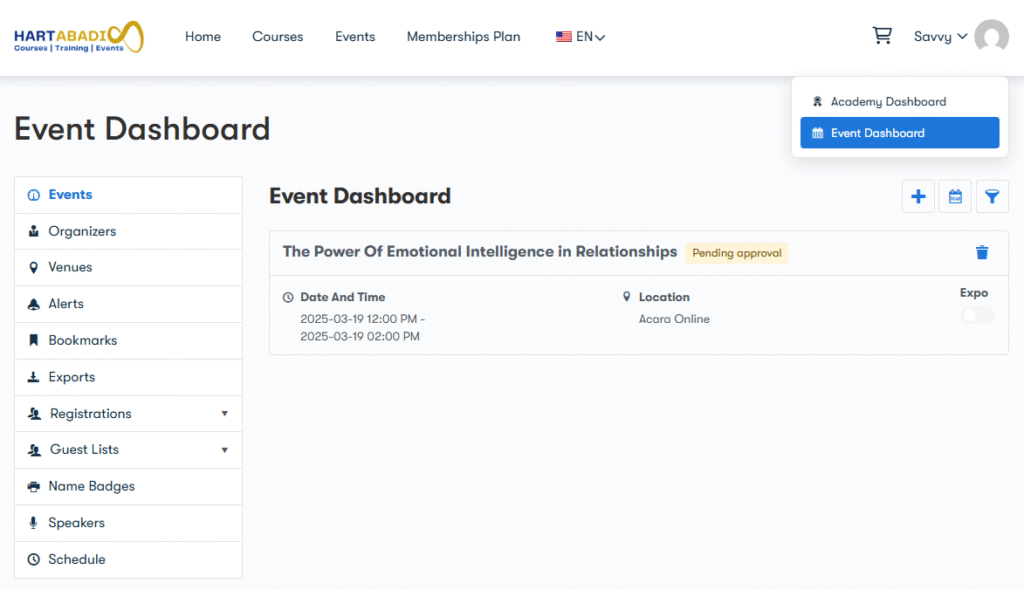
Back to event dashboar again, and you will your event on pending. It’s need approval by admin. After the admin approve your event, you can edit/update your event.