



Let’s follow these simple steps and ask questions from teachers.
- Step 1. You need to first log in to your account dashboard to ask questions to your teacher.
- Step 2. Then click on your Enrolled Courses from the Dashboard.
- Step 3. Now select a course from which you want to ask questions from your teacher.
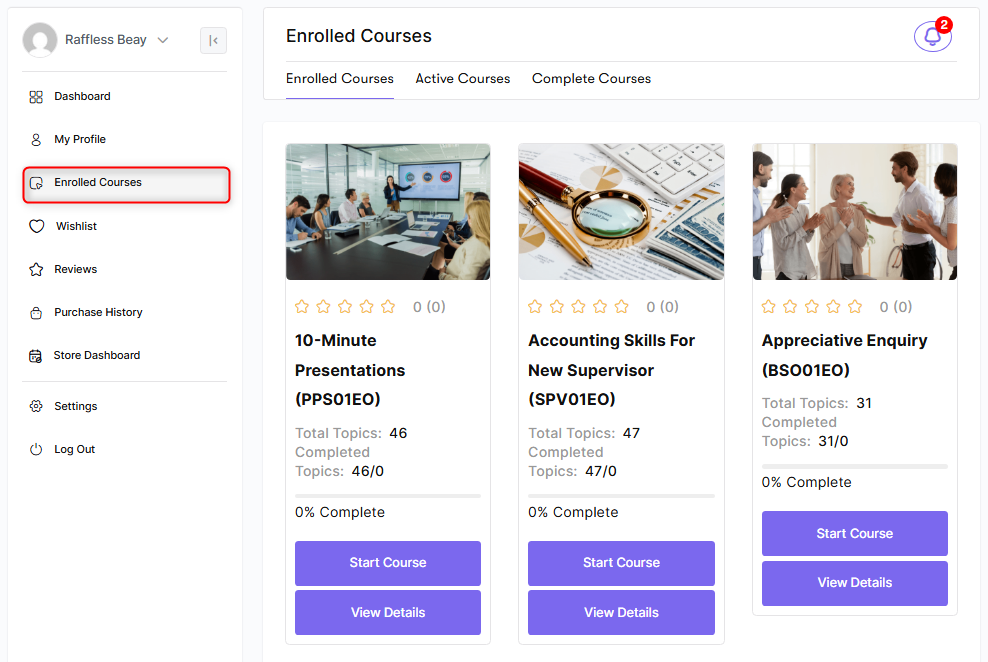
- Step 4. After selecting your desired course now click on Start Course.
- Step 5. After starting your course you will see Q & A section under your course player, you will find the place where you can ask questions. Type your question title and then submit your question to your course teacher.
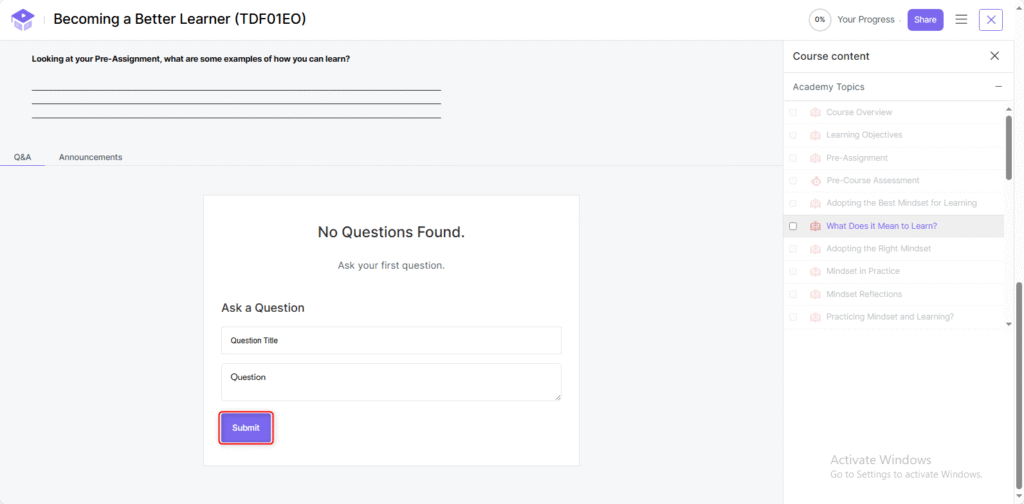
This is the process of asking a question from the teacher.


